Terraria
- Get started with your Terraria server
- Upload your Terraria save in your Ongamecloud server
- Editing Terraria Server Configuration Files
Get started with your Terraria server
Connect to Your Server
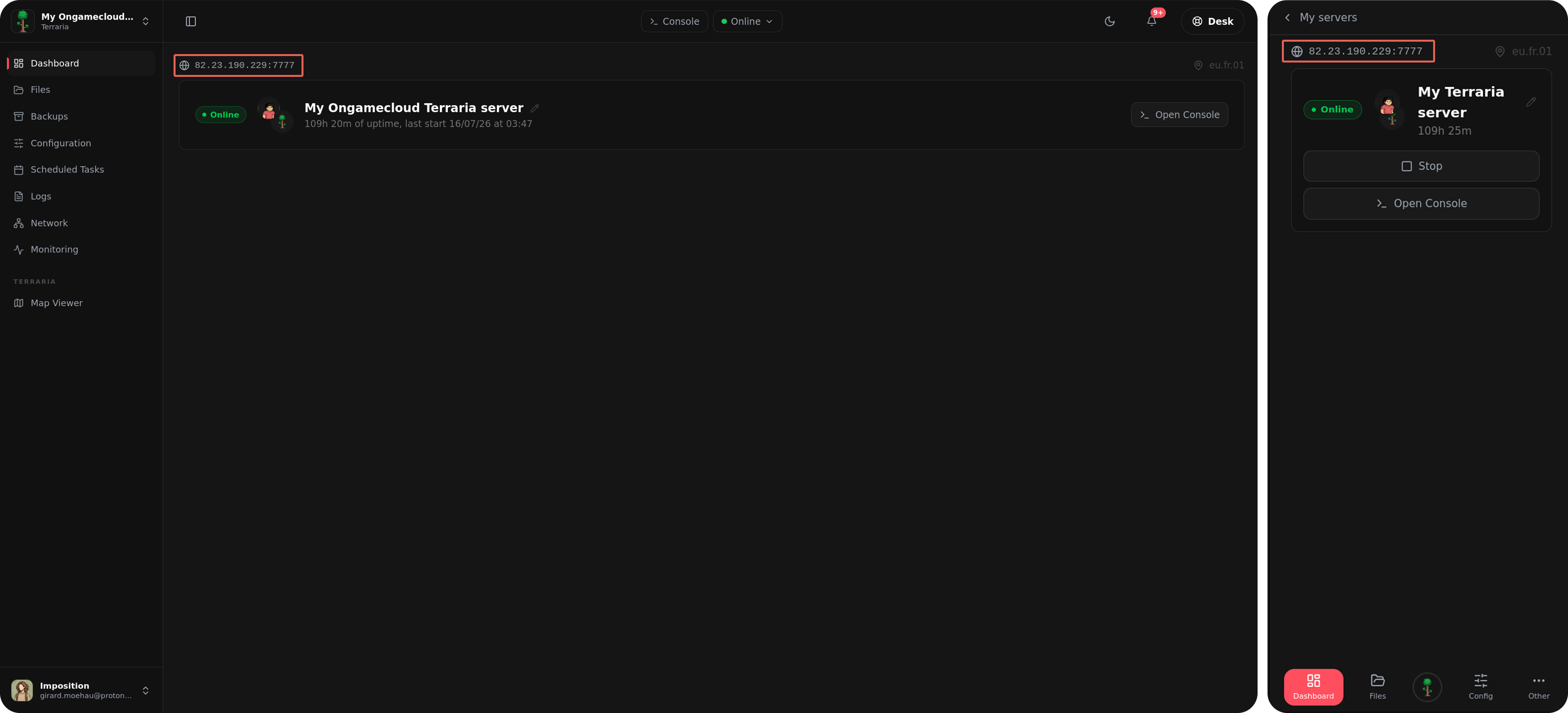
Use the IP address and port available on the top of the dashboard page on your panel to join your server.
Launch Terraria, select Multiplayer, then Join via IP, and enter your server address. If a password is configured, you'll be prompted to enter it before joining.
Basic Commands
Some commonly used Terraria server commands :
| Command | Description |
|---|---|
help |
Display available commands. |
exit |
Stop the server safely. |
save |
Save the world manually. |
kick <player> |
Remove a player from the server. |
ban <player> |
Ban a player. |
password |
Change the server password. |
With the Ongamecloud command autocomplete juste enter " / " in the console to see and select all the server command.
Voici une reformulation en anglais :
Common Connection Issues
The server won't connect using the IP
Start by checking your control panel to confirm the Terraria server is actually up and running. If it is, try connecting once more, making sure you've entered the IP address and the port as two separate fields. Terraria tends to be fussy about this and not in an endearing way.
A Journey Mode character won't join
Journey Mode characters are restricted to Journey Mode worlds only. If your server is running a standard world, you'll need a non-Journey character instead. And if you're set on using that Journey character, the server's world will need to be switched to Journey Mode as well.
Upload your Terraria save in your Ongamecloud server
Find Your Terraria World File
On your computer, navigate to the folder where Terraria saves its world files. Once inside, find the world you plan to use for the server.
World save file location :
Linux = .local/share/Terraria/Worlds
Windows = SteamLibrary\steamapps\common\Terraria
Leave this window open you'll need the world file again in a moment, and shutting it now would just mean opening it back up later for no real reason.
Upload the World to the Server
- Open your Ongamecloud server panel.
- Stop the Terraria server before changing files.
- Connect to the server using FTP or your panel's file manager.
- Open the `saves` folder, then open `Worlds`.
- Click Upload in the top-right corner.
- Select your Terraria world save then upload it.
- Then when its uploaded, go into the "Configuration" section of your Ongamecloud panel then find the "World name" variable, change the value to the name of the new uploaded world save file.
Common Issues
The server keeps generating a fresh world. This is typically caused by the file sitting in the wrong location, an incomplete upload, or a world name in the configuration that doesn't line up with the actual file.
Double-check that the .wld file is placed directly within /saves/Worlds/, and enter the world name without the .wld extension.
If players are unable to join once the world has been swapped. This often happens with Terraria's Journey mode when there's a mismatch between the world type and the character type.
If your character was made in Journey mode, attempt to join using a non-Journey character instead. Conversely, if the world calls for Journey mode, generate a Journey character and give it another try.